YouTube videos and playlists
Captions grouped into paragraphs. Each one opens the video at that exact second.

Videos, web pages and PDFs become notes you own, answers with sources and study material. On your own PC, with any AI model.
Paste a link or drop a file. WYKIATI keeps what matters and saves it as a plain Markdown note.
Captions grouped into paragraphs. Each one opens the video at that exact second.
Articles without menus, cookie bars and ads. Headings, lists, code and links survive.
Papers and books keep one section per page, so answers point to the page they came from.
Every output is a note in your vault, linked to the sources it came from. Edit it, publish it, review it in Anki.
Markdown with frontmatter and wikilinks. Open it in Obsidian today, keep it forever.
Gemini, OpenAI, Anthropic, Groq, OpenRouter, DeepSeek, Mistral, or Ollama on your machine.
Runs on your computer. No WYKIATI account, no WYKIATI cloud. Your phone pairs with your PC.
| Cloud notebooks | WYKIATI | |
|---|---|---|
| Where your sources live | The vendor's cloud | Markdown in your vault |
| AI model | The vendor's model | Any provider or a local model |
| Offline | ||
| Limits | Set by the vendor | Your disk and your provider |
| Citations | Passages | Passages, PDF pages, video seconds |
| Outputs | Stay in the app | Notes you keep and edit |
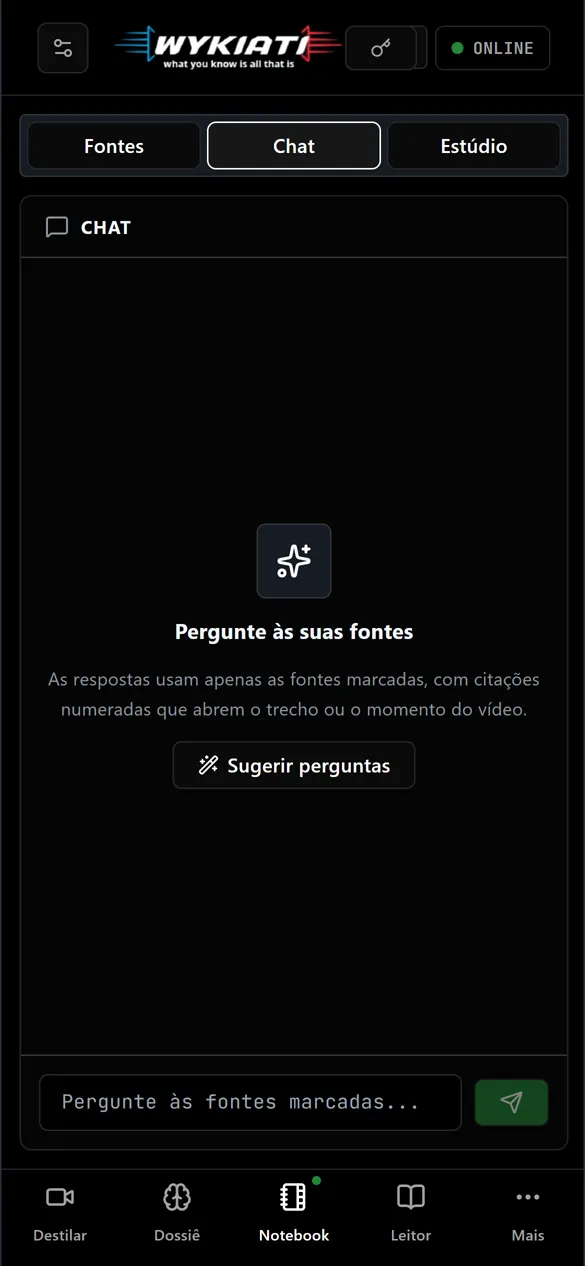
Scan a QR code and the phone opens the same notebook over your network. Share a link from any app straight into WYKIATI. No cloud in between.
Windows 10 and 11, 64-bit. Installs in seconds without admin rights. No Python, no account.
Coming soon. Today, install it from the browser as an app.
Coming soon. Runs from source today.
No. Gemini, Groq, OpenRouter and Mistral have free tiers, and Ollama runs models on your own computer for free. Transcripts and imports need no model at all.
No. The app runs on your computer and talks only to the AI provider you choose. There is no WYKIATI account and no WYKIATI cloud.
No. WYKIATI has its own reader, chat and Studio. Obsidian is a bonus: the same folder opens there with graph, backlinks and plugins.
The early access builds are not code-signed yet. Click "More info" and "Run anyway". The installer needs no admin rights and installs only for your user.
Most videos have automatic captions in some language, and WYKIATI uses any of them. Local speech-to-text for the rest is on the roadmap.
Yes. Scan a QR code on the PC and the phone opens your notebook over your own network. A native Android app is coming.